
Edit Category
Table of Contents
1. Feature Overview
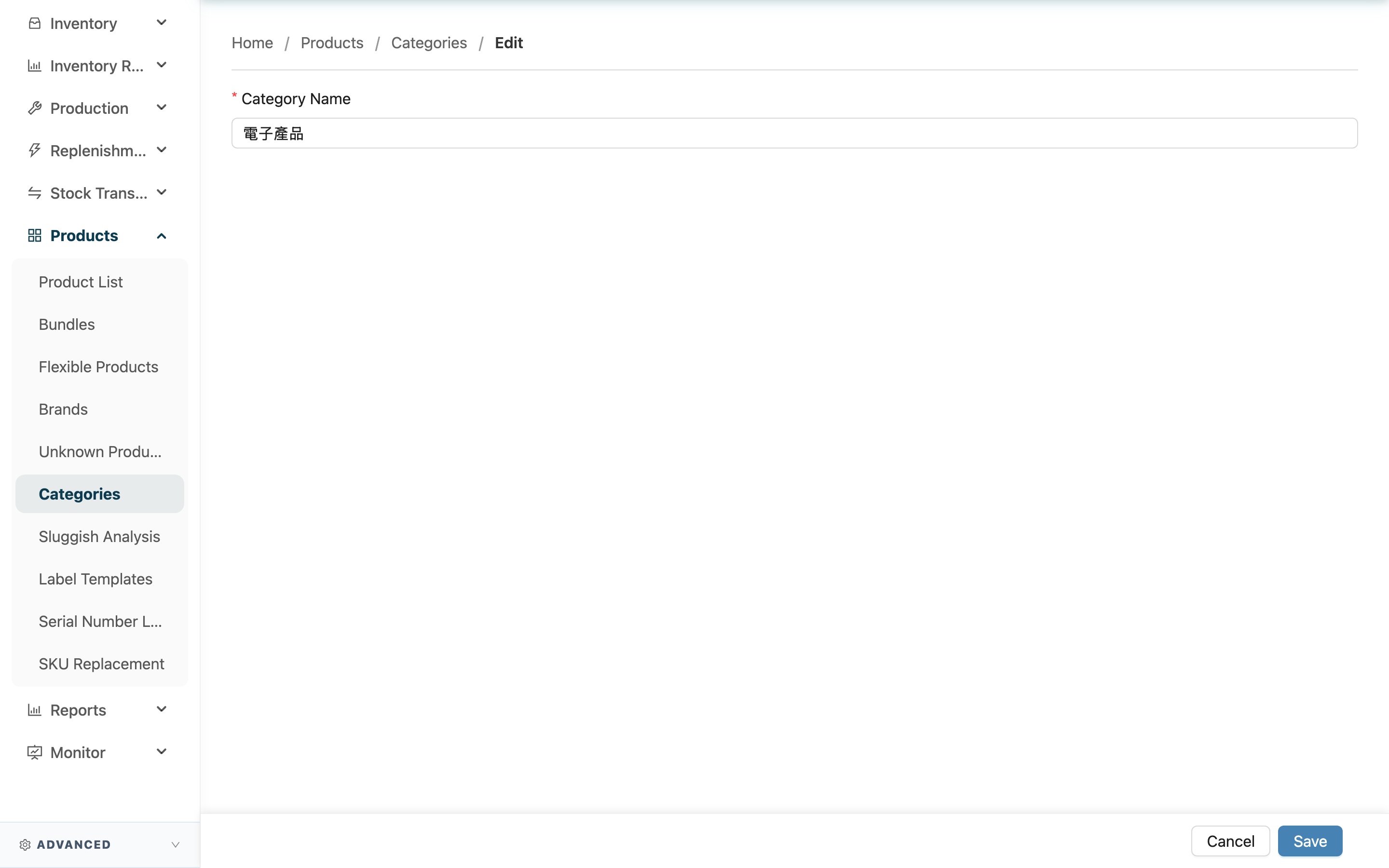
This page is used to change the name of an existing product category. A category has only a "name" field, so editing means renaming. After renaming, all products under this category will show the new name; their grouping stays unchanged.
Quick jump: Edit the Field | Save and Leave
1.1 Edit the Field
Fields marked with * are required
| Field | How to Fill | Notes |
|---|---|---|
| *Category Name | Change it to the new category name | Required; names cannot be duplicated within the same set of categories |
1.2 Save and Leave
After editing the name, click "Save" to save; once saved, you are taken to the category's detail page. If you do not want to make changes, click "Cancel" to return to the previous page.
2. FAQ
2.1 FAQ
▪ Does renaming affect the products under it?
Only the displayed name changes; the grouping stays the same. Products previously assigned to this category remain in the same category after renaming — just under the new name.
▪ What if it says the name already exists when saving?
It means a category with the same name already exists in this set of categories. Use a different name.
▪ Can I delete the category here?
No. This page only handles renaming. To delete a category, go to the category detail page and click delete.
▪ Can I add products to the category here?
No. Product grouping is set in the "Category" field when adding a product in the Product List or editing an existing one — not on this page.
2.2 Notes
⚠️ Important
- Renaming applies to how all products under this category are presented, so confirm the impact before you act.
- A category name cannot duplicate an existing category in the same set, otherwise it cannot be saved.
💡 Tip: Besides this page, you can also rename directly on the category detail page by clicking "Edit", without opening a separate page.
3. Related Features
| Feature | Description | Link |
|---|---|---|
| Category Detail | View the category contents, or delete it here | Go |
| Product Categories | Return to the category list to view all categories | Go |
| Product List | Filter products that fall under a category | Go |